DXF · SVG · cutting recipe · any CNC router
Wooden signs, ready for your CNC.
Pick a sign, type the words, and download layered files with the steps to cut it: which bit, how deep, and in what order, in your CAM program's own terms. No drawing, no exploding text, no guessing.
Designing is free. Your first sign's files are on us.
Signs to carve
Every sign sizes its words to your board. Pick one to start; you can change everything.
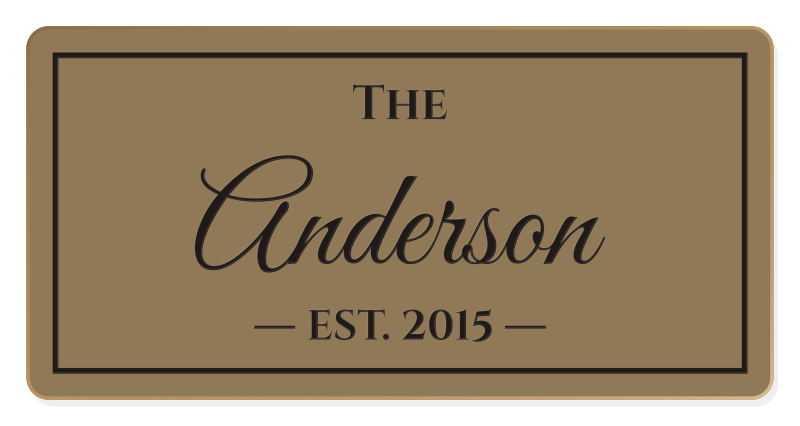
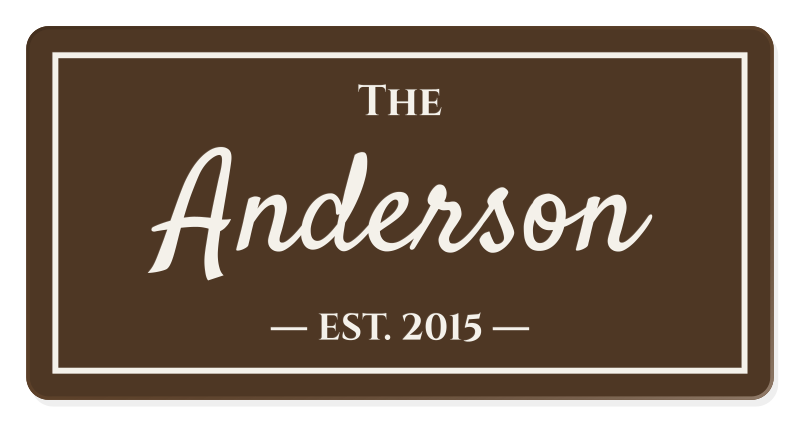
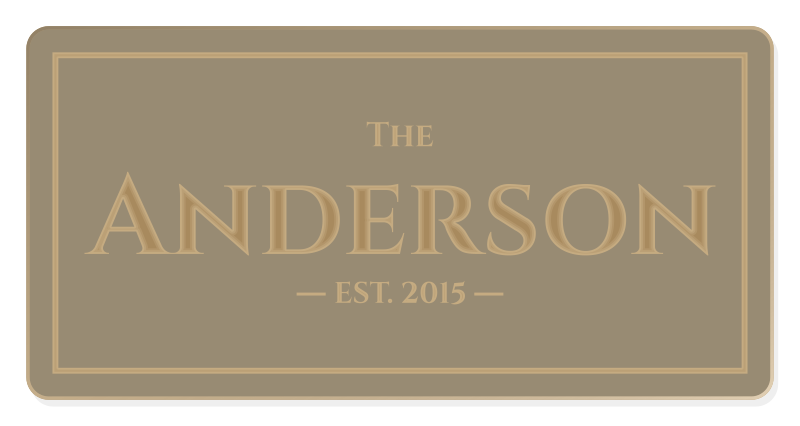
Family Name Sign
2 creditsThe farmhouse classic: THE over a flowing script last name, and EST. with the year between two short lines, inside a carved border.
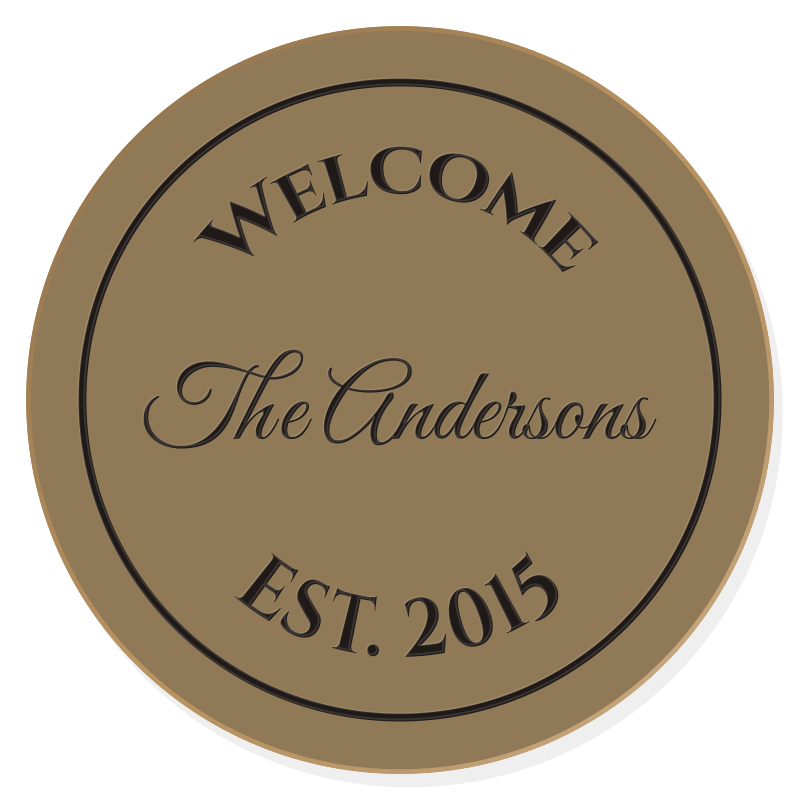
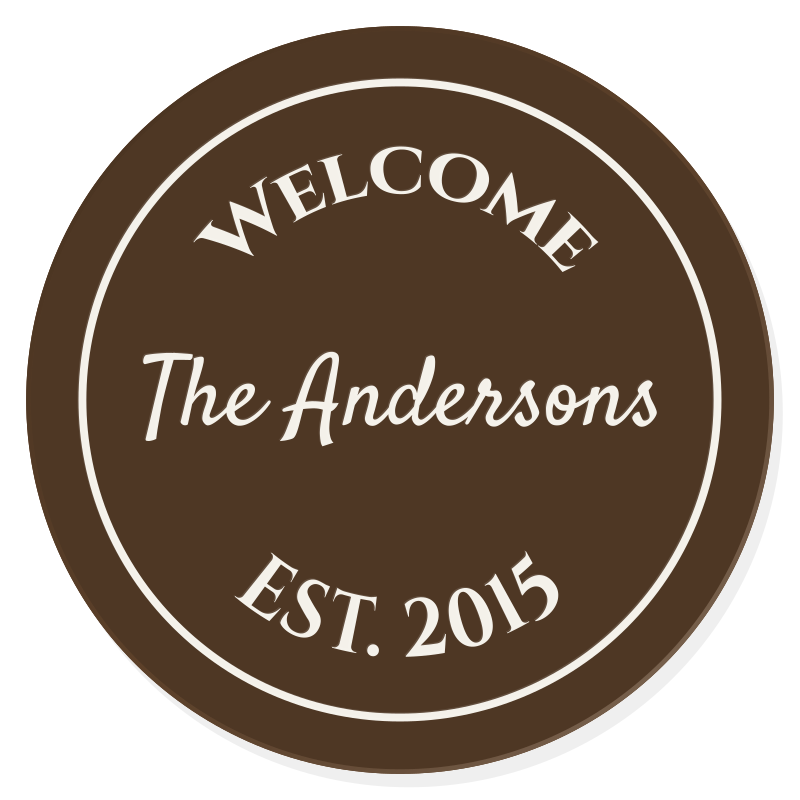
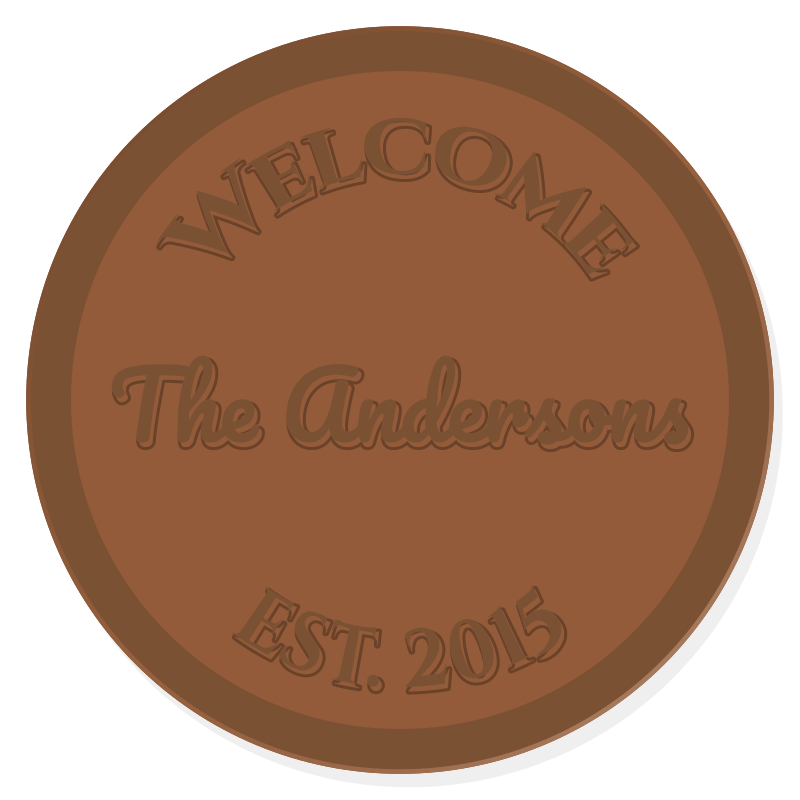
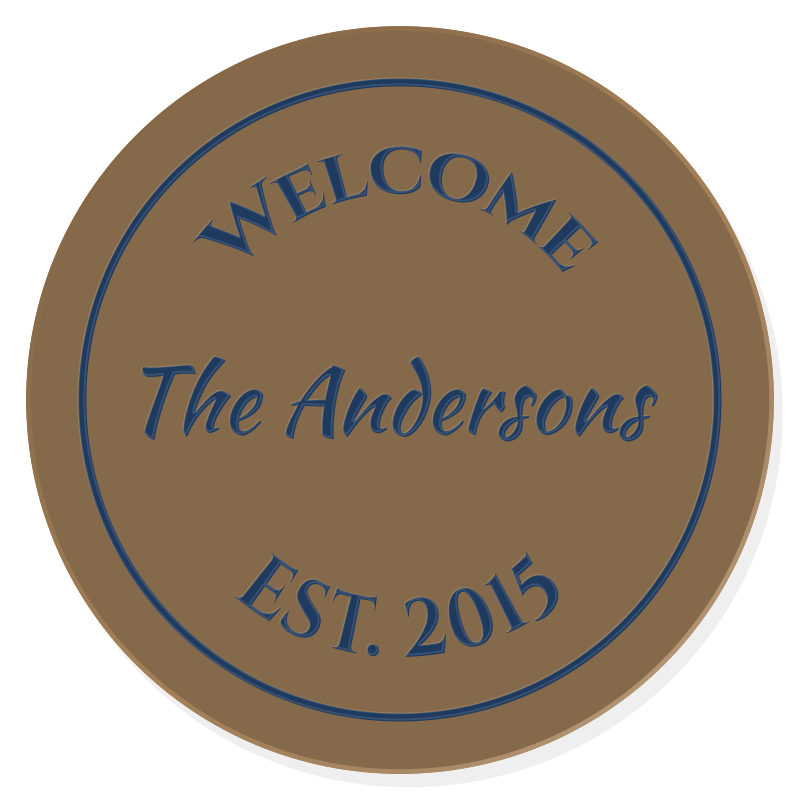
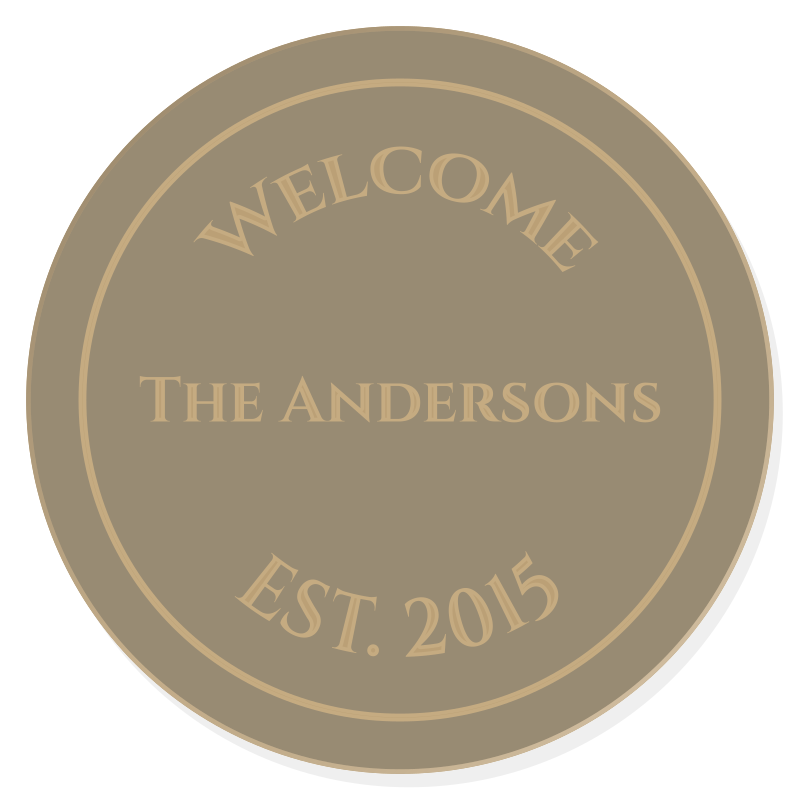
Round Welcome Sign
2 creditsWelcome follows the rim over the top, the year follows it underneath, and your family name runs straight across the middle.
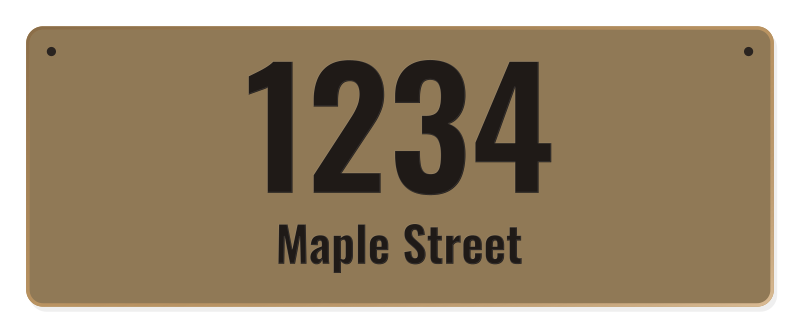
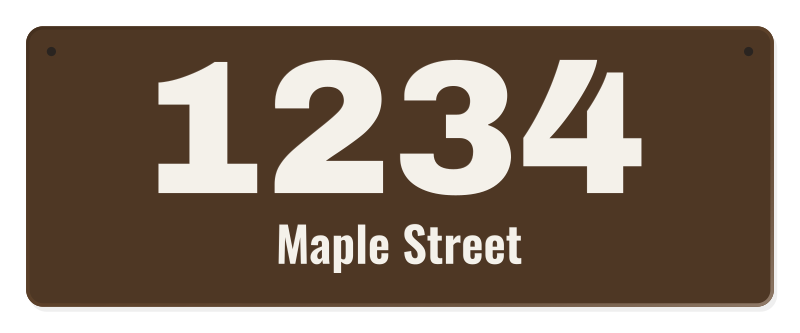
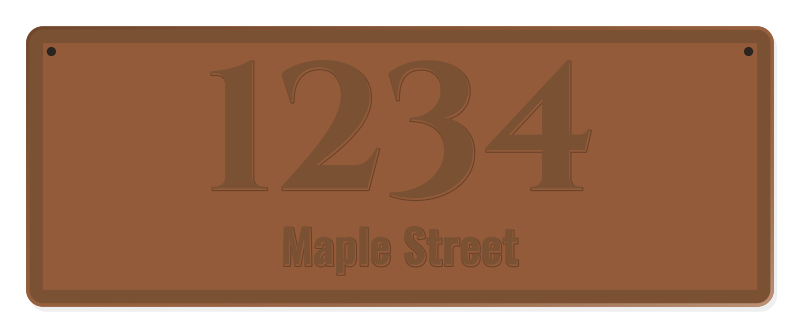
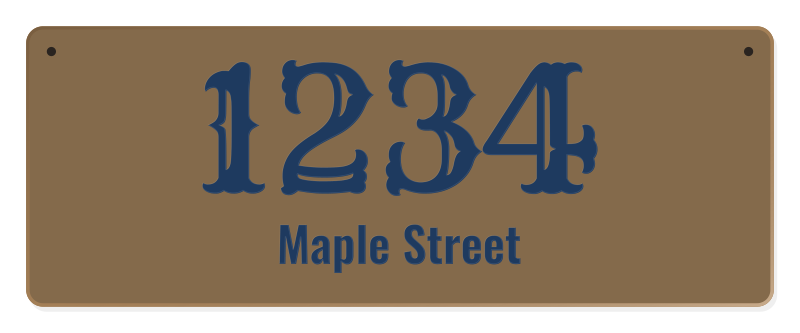
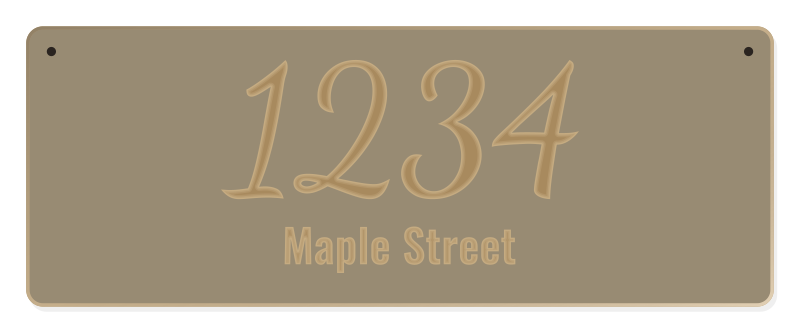
House Number Sign
2 creditsNumbers you can read from the street, the street name below, and two screw holes to mount it by the door.
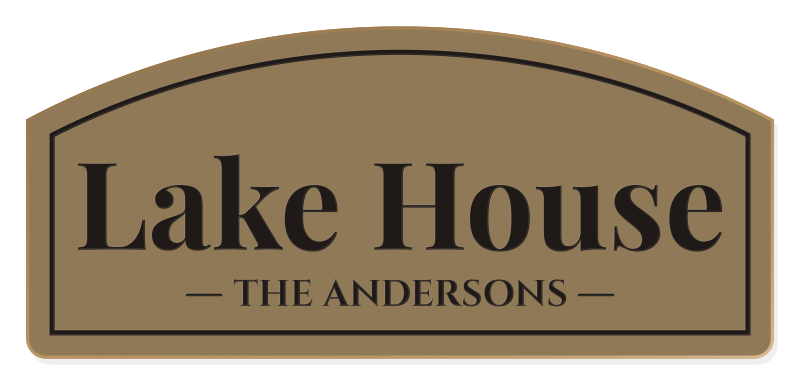
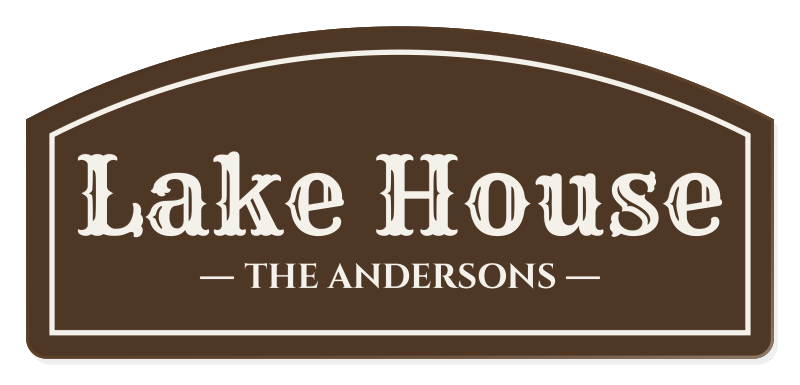
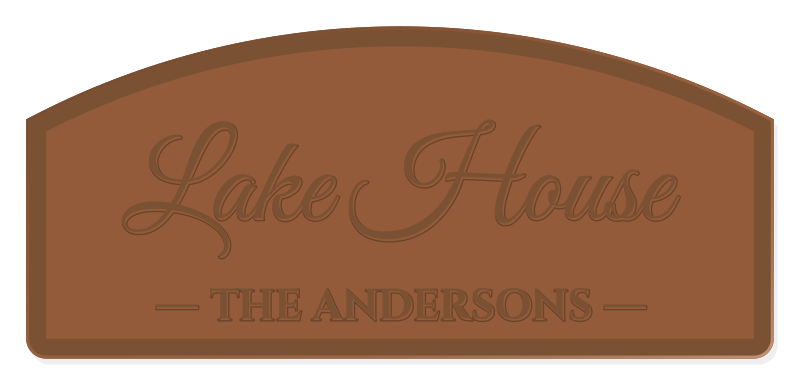
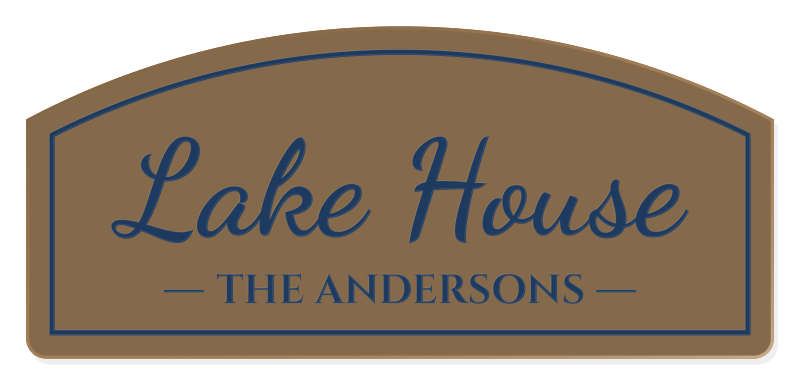
Cabin Sign
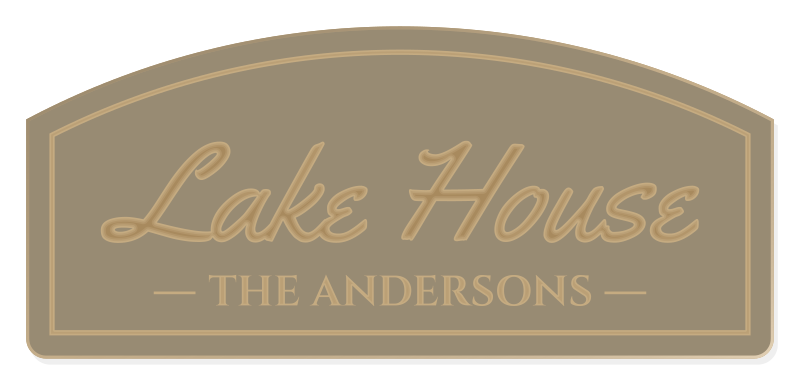
2 creditsAn arched board with the place name large and the family that owns it on a smaller line beneath.
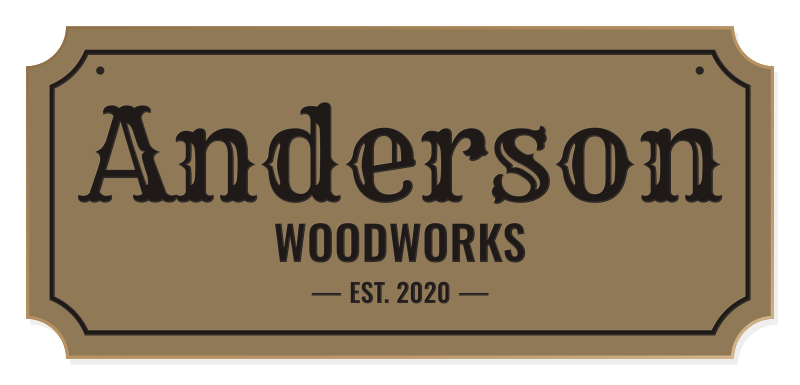
Workshop Sign
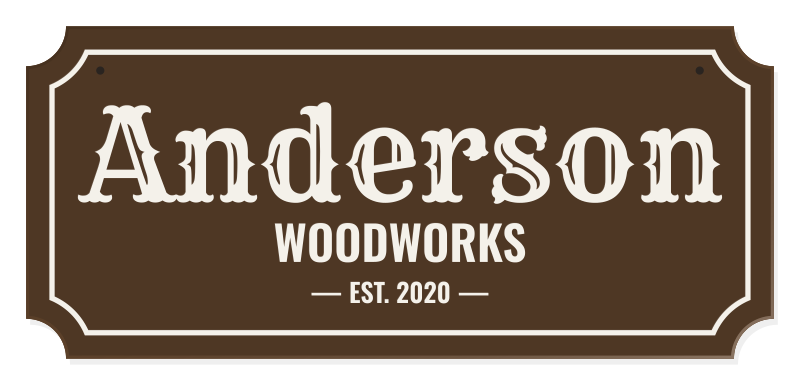
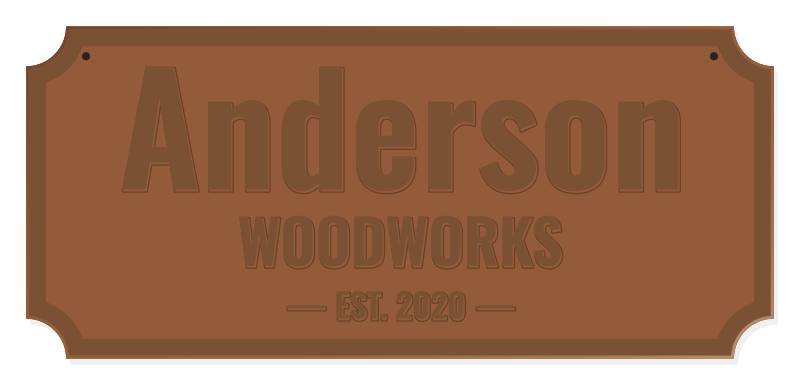
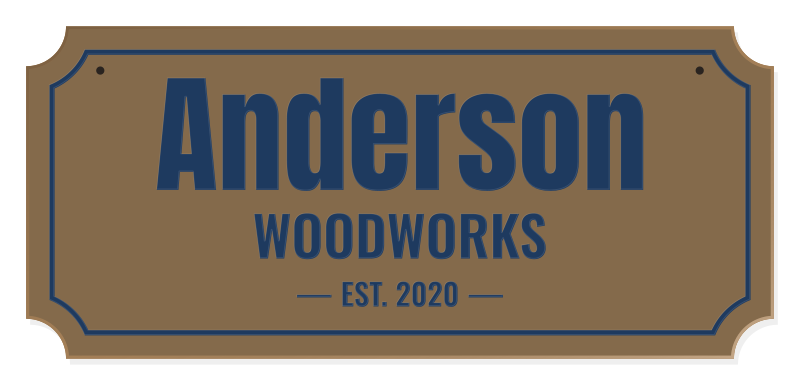
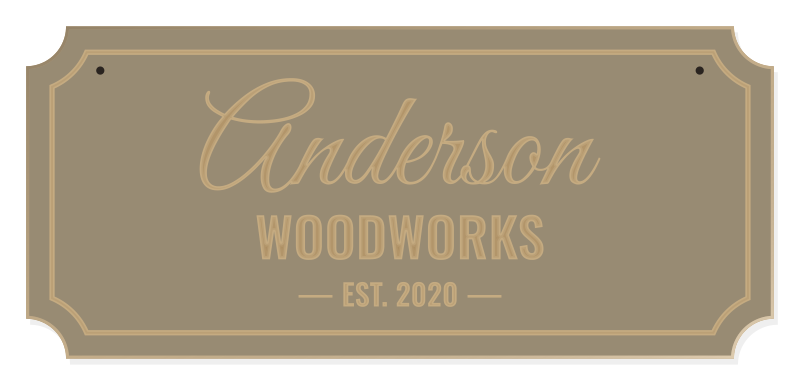
2 creditsOld-fashioned scooped corners, a bold name, what you make underneath, and the year you started.
How it works
From an idea to a sign on the wall in an afternoon.
- 01
Design it
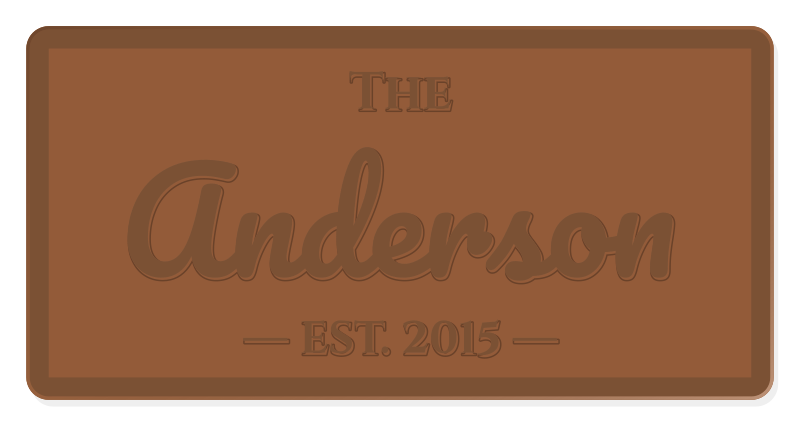
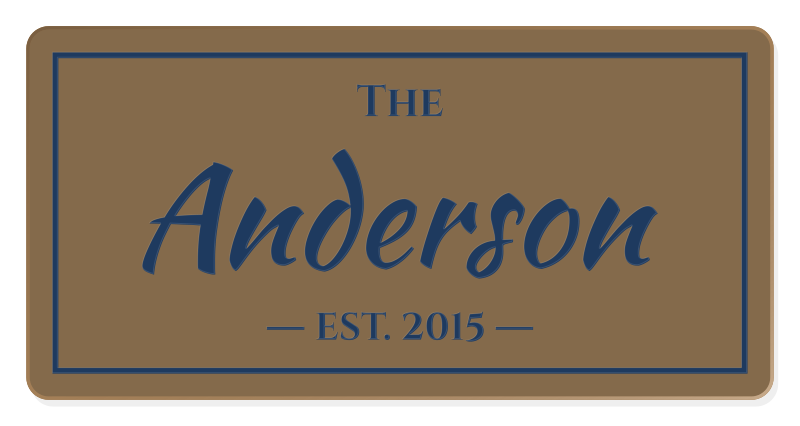
Type the words and pick a board, font, and style: letters V-carved and painted, or raised with the background cut away. The preview is drawn from the same geometry as your files.
- 02
Check it
Before you spend a credit, the sign is checked against your router and bits: letters too small to carve, strokes too bold for your V-bit, gaps your end mill can’t reach, a board too big for the bed.
- 03
Carve it
Download the zip, open the DXF in your CAM program, and make one toolpath per layer as the recipe says. Then paint, sand, and finish.
Text that’s already shapes
Every letter comes as a closed outline. Nothing to explode, no fonts to install, no open curves that break a toolpath.
One layer per operation
V-carve, background pocket, screw holes, bevel, and cutout each sit on their own layer, in the order you cut them.
Depths worked out for you
The recipe gives each step its bit and depth, and sets a flat depth when bold letters would send a V-bit too deep.
No mystery G-code
Your CAM program writes the toolpaths with your feeds, speeds, and post-processor, so you see every move before it runs.
Your machine, your software
The files open in any CAM program. Pick your router and the check makes sure the board fits it.
Routers we size for
- Sienci Labs AltMill 2x449.8 x 25 in
- Sienci Labs AltMill 4x449.8 x 49.25 in
- SainSmart Genmitsu 3018-PRO11.81 x 7.09 in
- SainSmart Genmitsu 4040-PRO15.75 x 15.75 in
- SainSmart Genmitsu PROVerXL 4030 V215.75 x 11.81 in
- SainSmart Genmitsu PROVerXL 6050 Plus23.62 x 19.69 in
- Sienci Labs LongMill MK3 30x3032.01 x 32.01 in
- Sienci Labs LongMill MK3 48x3049.02 x 32.01 in
- Makera Carvera14.17 x 9.45 in
- Makera Carvera Air11.81 x 7.87 in
- Makera Z17.87 x 7.87 in
- Onefinity Apprentice16.5 x 16.5 in
- Onefinity Elite Foreman (Gen 2)49.02 x 49.13 in
- Onefinity Elite Journeyman (Gen 2)49.02 x 32.99 in
- Onefinity Elite Woodworker (Gen 2)32.99 x 32.99 in
- Carbide 3D Shapeoko 4 Standard17.52 x 17.52 in
- Carbide 3D Shapeoko 4 XL32.99 x 17.52 in
- Carbide 3D Shapeoko 4 XXL32.99 x 32.99 in
- Carbide 3D Shapeoko 5 Pro 2x224.53 x 24.53 in
- Carbide 3D Shapeoko 5 Pro 4x248.7 x 24.53 in
- Carbide 3D Shapeoko 5 Pro 4x448.7 x 48.7 in
- Carbide 3D Shapeoko HDM27.17 x 24.02 in
- Inventables X-Carve Pro 4x247.99 x 24.02 in
- Inventables X-Carve Pro 4x447.99 x 47.99 in
Not listed? Pick a small, medium, or large router by its size.
Step-by-step guides
- Carbide CreateBring the sign DXF into Carbide Create, V-carve or pocket the letters, bevel the edge, and cut it out with tabs on a Shapeoko.
- EaselImport the sign SVG into Easel, give each shape its cut path and depth, and carve the letters, bevel, and tabbed cutout on an X-Carve.
- FusionInsert the sign DXF as one sketch per layer, model the board, and make 2D Engrave, 2D Pocket, 2D Chamfer, and 2D Contour toolpaths.
- VCarveImport the layered DXF into VCarve Desktop or Pro, make VCarve, Pocket, and Profile toolpaths with tabs, and save G-code for your machine.
- CarvecoImport the DXF with its layers into Carveco Maker, then make V-Bit Carving, Area Clearance, and Profile toolpaths with bridges.
- MakeraCAMRaised-letter signs in MakeraCAM with 2D Pocket, 2D Chamfer, and 2D Contour, and what to use for V-carved letters on a Carvera.
- EstlcamOpen the sign DXF in Estlcam, set the zero, and make Carve, Part, Hole, and Engraving paths with tabs for V-carved or raised letters.
Every download's recipe is written for the program you pick: Carbide Create, Easel, Fusion, VCarve, Carveco, MakeraCAM, Estlcam.
2 credits a sign. The first one is free.
New accounts start with 2 credits. Previews and checks never cost anything, and every sign you buy stays in your account to download again. Packs start at 3 credits for $5.
Questions woodworkers ask
Do I need Fusion?
No. The DXF opens in Carbide Create, Easel, VCarve, Carveco, MakeraCAM, Estlcam, and Fusion, and there’s a guide for each. If you sell what you carve, check your CAM license: Fusion’s free personal license is for non-commercial use.
Do you send G-code?
No, on purpose. Every router, controller, and bit is different, so your own CAM program turns the files into toolpaths with settings you trust. The recipe tells it what to do.
What bits do I need?
A V-bit (60° or 90°) for carved letters and the bevel, and a flat end mill (1/8" or 1/4") for raised letters, screw holes, and cutting the sign out. Pick yours in the editor and the recipe uses them.
My board is a different size.
Pick Custom and type the width and height. The words resize to fill it, and the check tells you if your router can carve a board that big.
Can I sell the signs I carve?
Yes. Sell, gift, or hang as many carved signs as you like. The files themselves are for you only: please don’t resell or share them.
More in the help pages.